AVIF to PNG Converter
Open What Your Editor Refuses
This AVIF to PNG converter reads the files your other software will not touch, and the answer is instant. Your browser already decodes AVIF, so it does the hard part right here. Drop the files in, press convert, and a plain PNG lands in your downloads.
- FreePrice
- NoneUploads
- KeptTransparency
- Up to 100Batch
Change your AVIF files into PNG on this page
Drop in the files your computer refuses to open. Your browser reads AVIF perfectly well, so it does the decoding and hands you a PNG that opens anywhere.
AVIF to PNG Converter
Many files at once, all on your own device
No images picked yet.
What An AVIF To PNG Converter Is For
AVIF makes wonderfully small photos. However, that only helps once something can open one.
Browsers took it up quickly, and yours reads AVIF today. Meanwhile most desktop software still shrugs at the file.
So this page borrows the decoder you already have. It hands the picture to a canvas, then writes a PNG that opens anywhere.
Still, the two formats answer different questions. MDN's guide to image file types explains which one suits which job.
Why Your Computer Refuses to Open the File
AVIF is one still frame lifted out of a video codec. The picture rides inside the same box that holds a HEIC file.

That design landed around 2019, which is very recent for a picture format. Therefore older editors, print tools and office suites know nothing about it.
Browsers update themselves every few weeks, so they caught up fast. Your photo editor, though, may sit five years behind.
Ten Bits Go In, Eight Bits Come Out
AVIF can hold ten or twelve bits for each colour. A canvas works in eight, and the PNG here follows the canvas.
On an ordinary photo, nobody will ever spot the gap. Yet a wide-colour shot can lose a touch of smoothness in a gradient.
So treat the PNG as a working copy rather than an archive. Keep the AVIF as well when the extra depth matters.
AVIF Files That Hold Several Frames
An AVIF can carry a short sequence, much like a video clip. Only the opening frame reaches the PNG, because PNG holds a single still picture. So keep the original when the movement is the point.
Turning AVIF Into PNG, Step by Step
You skip the installer and the sign-up form alike. In fact, three taps clear the whole queue.
- 1
Drag your AVIF files onto the Denwix panel
Drag them onto the panel, or tap it to browse. A hundred files can wait in the queue at once.
- 2
Check the preview
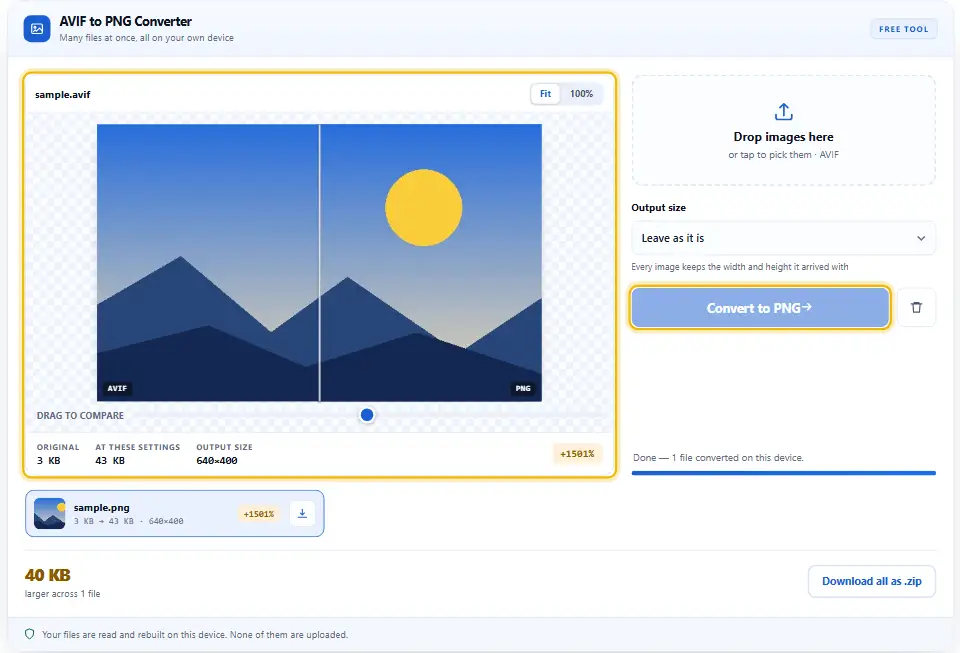
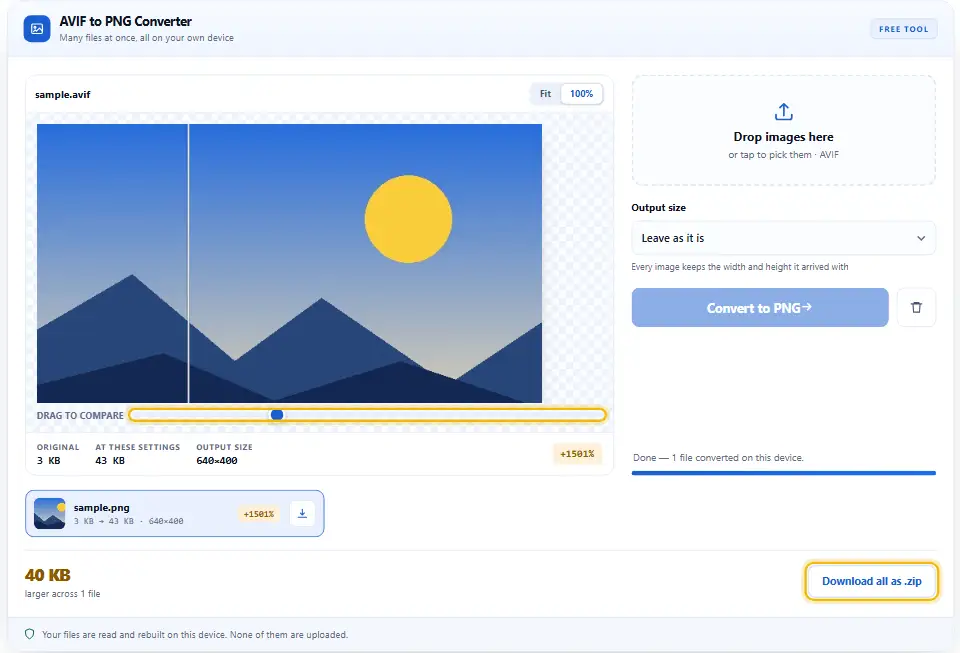
If a picture shows up, your browser can read it. Then the PNG beside it will match, pixel for pixel.
- 3
Set a maximum width if you need one
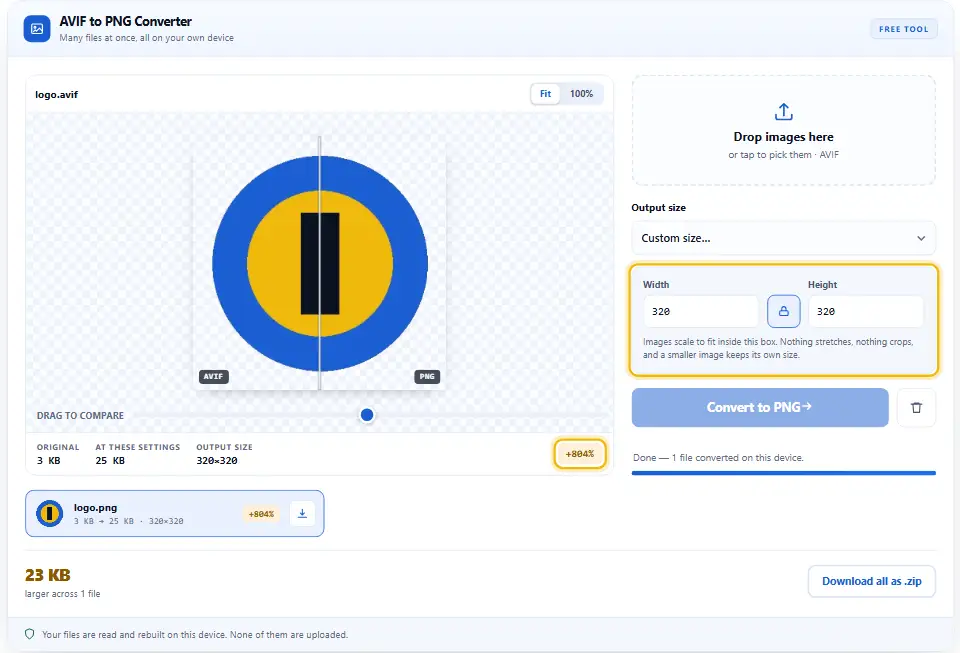
Choose a maximum width, or type an exact box. Every picture keeps its own shape inside that box.
- 4
Convert and save
Press Convert to PNG and let each row finish. Grab them one by one, or collect the lot at the end.
Why Convert It Here
Plenty of sites will decode an AVIF for you. Yet every one of them wants the file first, and your browser does not.
No upload, at all
This page holds no fetch, no form post and no storage. So a client photo stays exactly where you left it.
A decoder you already trust
Your browser ships with the same AV1 decoder that plays video. Therefore nothing extra needs installing for this to work.
Transparency comes through
AVIF carries an alpha channel and so does PNG. So a cut-out keeps its clean edge instead of gaining a white box.
Nothing thrown away twice
PNG writes each pixel exactly as the decoder read it. Because of that, no second round of damage creeps in.
Folders, not files
Add a full photo session to the queue and convert it in a single run. The archive is assembled here in the tab, not fetched from anywhere.
Free, with no ceiling
Nothing like a login, a credit system or a daily limit sits in the way. Since the decoding runs on your hardware, there is no usage to bill for.
Habits Worth Picking Up
The format change on its own is quick. Still, a few small choices decide whether the PNG earns its place.
- Plan for a far larger file. AVIF packs a photo about as tightly as anything can. So a five or ten times jump on the way out is normal.
- Serve the AVIF copy on your website. It stays the right choice on your own pages. Therefore convert for the software that needs help, and nothing else.
- Resize while you are here. A PNG grows fast with every extra pixel. Instead of shrinking later, cap the width during the swap.
- Check a gradient once. Sunsets and soft studio backdrops show banding first. Above all, zoom in there before you trust the copy.
- Do not convert back. Going PNG to AVIF again rounds the picture off a second time. Rather than loop, go and find the original file.
- Send photos to JPG instead. If the software only needs to open it, JPEG does that too. So use the sister page when the file size matters.
Three Pitfalls Worth Knowing
These three trip people up on their first AVIF. Denwix answers each of these below.
Assuming the PNG is an upgrade
A lossless copy still copies whatever it gets. Instead of expecting more detail, treat it as a faithful record.
Publishing the PNG
The same photo as PNG can weigh ten times more. Therefore serve the AVIF online, and keep the PNG for your editor.
Uploading unreleased work
Many converter sites keep a copy of every file. So an unpublished shot sits on a stranger's disk for no reason.
AVIF And PNG Questions
Does the converter send my file to a Denwix server?
No. No request leaves this page, because the code makes none to begin with. Your browser decodes the AVIF, a canvas redraws it, and your browser writes the PNG. That keeps the picture on your own computer.
My AVIF will not open at all. Why?
A handful of very old browser builds never shipped the decoder. Try a current Chrome, Edge, Firefox or Safari and the preview should appear. If it still refuses, the file itself may be damaged.
Why does the PNG weigh several times more than the AVIF?
Because PNG preserves each pixel without any loss. AVIF shrinks a photo by dropping detail your eye rarely notices, while PNG refuses to drop any. Therefore a large jump in size is perfectly normal.
Will my AVIF transparency carry over into the PNG?
Yes. AVIF and PNG both keep transparency, so clear edges stay clear. Meanwhile the checkerboard behind the preview shows which parts stay see-through.
Will the PNG colours match the AVIF exactly?
For a typical photo, it will. A canvas works in eight bits per colour, so a ten-bit AVIF comes down to eight on the way through. That shows up only in very smooth gradients.
How long can my Denwix conversion queue get?
A hundred per batch, with twenty-five megapixels in each. Those caps keep your own tab responsive, since no server ever queues the work. So simply start a second batch for the rest.
More Converters On This Site
Every Denwix tool below follows one routine. So none of them asks for an account, an upload or a payment.
Image Converter
One page, seven formats in and three formats out.
Open tool →AVIF to JPG Converter
The same rescue, aimed at upload forms and print jobs.
Open tool →WebP to PNG Converter
The older awkward format, opened the same way.
Open tool →
Ready to Free Those AVIF Files?
Queue the AVIFs, press convert, then save the batch. It takes seconds, it costs nothing, and not one picture leaves this device.