DMARC Record Generator
With An SPF Builder Beside It
This DMARC record generator turns plain choices into records you can publish today. Pick a policy and a report address for DMARC, or tick the services that send your mail for SPF, and each record is checked for the mistakes that quietly break email.
- FreePrice
- DMARC, SPFBuilds
- NoneSign-up
- In your browserRuns
DMARC and SPF Record Generator
Ready-to-publish TXT records, checked as you build them
Services that send mail as your domain
@| Check | Result | What it means |
|---|
Ready. Tick the services that send your mail.
Why A DMARC Record Generator Saves Your Email
Any stranger can send mail that pretends to be from your domain. With SPF, DKIM and DMARC in place, receiving servers can separate genuine mail from fakes. Without them, spoofed mail gets through, and your genuine mail is more likely to land in spam.
Since 2024, Gmail and Yahoo have also required DMARC from anyone who sends mail in bulk. So these records are no longer optional for a business, even a small one, which is why the SPF builder sits right beside the DMARC one.
What SPF Does
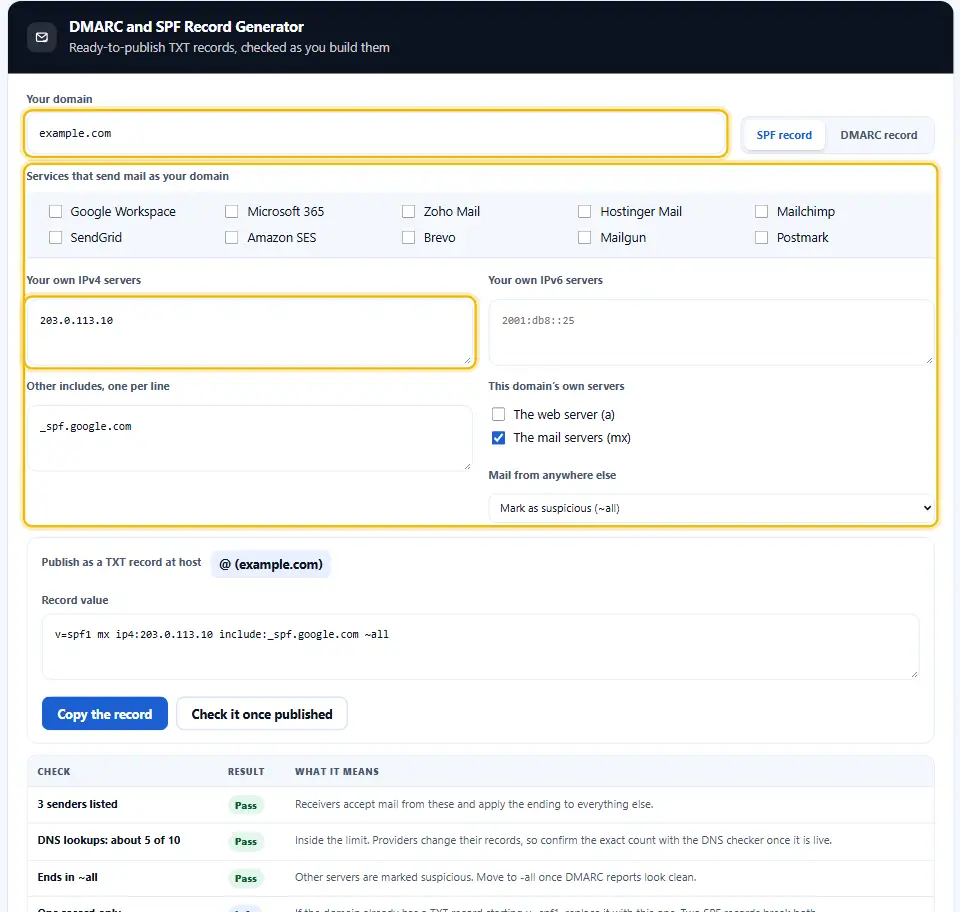
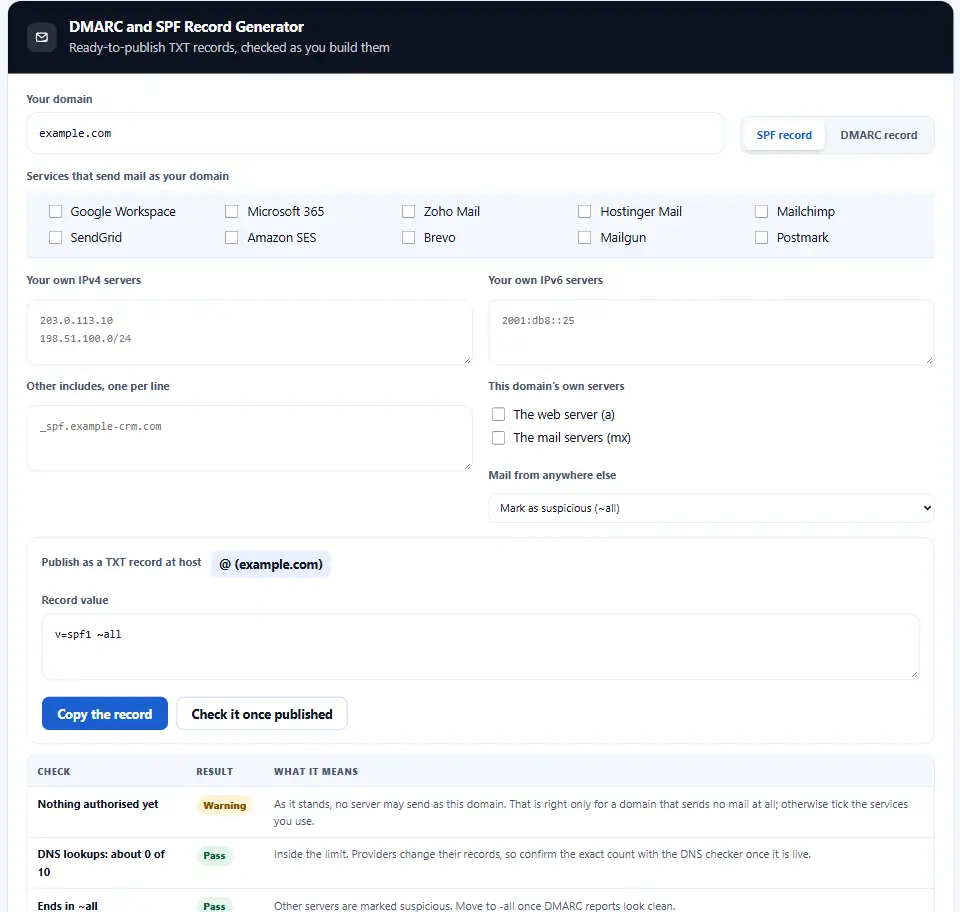
SPF names the mail servers that may send email on behalf of your domain. It is a single TXT record starting with v=spf1, followed by your mail services and your own servers, and it ends with an instruction for everyone else.

The catch is a limit of ten DNS lookups, counted through every include. Each service you add uses some of them, which is why the builder keeps a running estimate in view.
What DMARC Adds
DMARC tells receivers what to do when a message fails both SPF and DKIM: deliver it anyway, send it to spam, or refuse it. It also asks them to send you reports, so you can see every service that mails as your domain. The rules are set out in RFC 7489.
Start With None, Finish With Reject
A new DMARC record should start at p=none. Nothing changes for your mail, but the reports begin to arrive. After two to four weeks, once every real sender passes, move to quarantine, and later to reject.
Going to p=reject on day one is the textbook error. A forgotten newsletter or billing system suddenly has its mail refused.
Which DNS Name Holds Each Record
SPF goes on the domain itself, usually written as @ in a DNS panel. DMARC goes on a special name, _dmarc, so for example.com it lives at _dmarc.example.com. The generator shows the right host for each record.
Checking The Result
Once the records are published, run your domain through our DNS records checker. It reads SPF, DMARC, DKIM and CAA live and counts the real SPF lookups.
On this page
- The tool
- Why A DMARC Record Generator Saves Your Email
- Working With the DMARC Record Generator, Start to Finish
- What Sets This DMARC Record Generator Apart
- Rules For SPF And DMARC Records
- Six Email Authentication Mistakes
- DMARC And SPF Questions People Ask
- Denwix Tools for Domains and Mail
Keep going
How to Use the DMARC and SPF Record Generator
A short video walks through every step. Then pick your language below, and turn on captions if you like.
Working With the DMARC Record Generator, Start to Finish
A few choices, one record, and a table that tells you if anything is off.
- 1
Type your domain
The host names and the report checks then use your real domain.
- 2
Build SPF first
Tick every service that sends as you, then add your own servers and choose the ending.
- 3
Then build DMARC
Start with a policy of none and a report address, then tighten it later.
- 4
Publish and check
Add each record as a TXT record at the host shown, then confirm it with the DNS checker.
What Sets This DMARC Record Generator Apart
Writing the record is easy. Knowing it will work is the useful part.
SPF and DMARC built on one page
DMARC depends on SPF, so building them side by side keeps them consistent.
Lookup count in view
Each ticked service adds its nested lookups to an estimate, so you see the ten-lookup limit coming.
Common senders listed
Google Workspace, Microsoft 365, Zoho, Mailchimp, SendGrid and more, with the right include for each.
Checks as you build
Invalid addresses, missing reports, a policy stuck on none: each is flagged with what to do.
Report authorisation explained
Send reports to another domain and the generator tells you the extra record that domain needs.
Nothing leaves your tab
The records are built in your browser, so nothing about your mail setup is sent anywhere.
Rules For SPF And DMARC Records
Eight habits that keep your mail trusted and delivered.
- Publish exactly one v=spf1 TXT record for each domain. Two records starting v=spf1 make both invalid, so merge them into one.
- Stay under ten lookups. Add up each include, a and mx lookup. Past ten, however, SPF fails for every message.
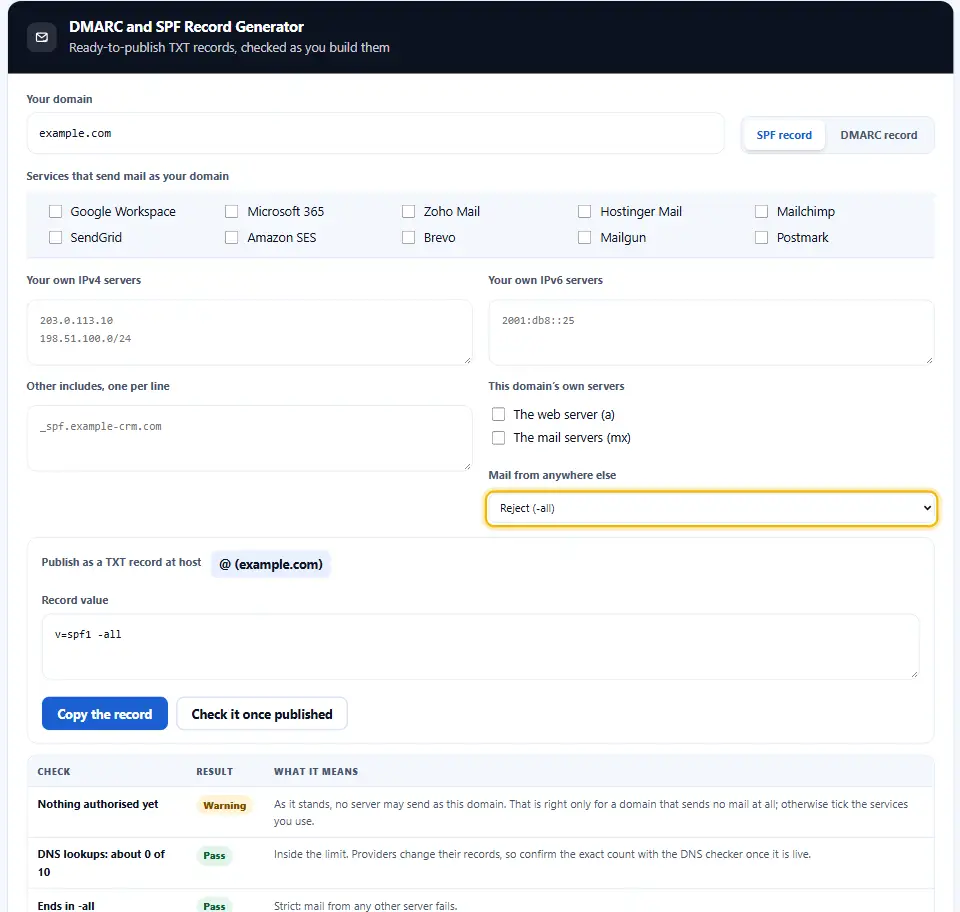
- End SPF with ~all or -all. Never +all, which authorises the whole internet to send as you.
- Start DMARC at none. Collect reports first, so no genuine sender gets blocked by surprise.
- Always set a report address. Without rua, DMARC is a policy nobody can see working.
- Move to reject in steps. Quarantine first, reject later, each only after the reports stay clean.
- Sign with DKIM too. DMARC passes on SPF or DKIM, and DKIM survives forwarding where SPF does not.
- Review when you add a service. Every new newsletter or CRM tool needs its include; otherwise its mail starts failing.
Six Email Authentication Mistakes
Each of these looks harmless in a DNS panel and costs real mail.
Two SPF records
Added by two different setup guides, and together they cancel each other out.
Eleven lookups
One include too many, and receivers stop reading the record halfway.
p=none forever
The policy was meant as a first step, yet spoofed mail is still delivered years later.
Reports to a dead mailbox
Nobody reads them, so the move to quarantine never happens.
A DMARC record published on the wrong name
Published on the domain itself instead of _dmarc, where receivers never look.
Forgetting a sender
The billing system or help desk mails as you, and suddenly its messages bounce.
DMARC And SPF Questions People Ask
What does a DMARC record tell receiving mail servers?
A TXT record at _dmarc on your domain. It instructs receiving servers how to handle mail that fails SPF and DKIM, and where the reports should go.
Should SPF be in place before I publish DMARC?
DMARC relies on SPF or DKIM passing, so set up at least one of them first. Ideally, use both.
Which DMARC policy suits a domain that is just starting out?
Begin at p=none, with an address that collects reports. After a few weeks of clean reports, step up to quarantine, then to reject.
In which DNS panel do these Denwix records go?
In the DNS settings of wherever your domain is managed: your registrar, your host or a service such as Cloudflare. In both cases, they are TXT records.
What does the tilde in ~all tell mail servers?
It marks mail from unlisted servers as suspicious rather than refusing it. It is a safe choice while you test.
Why does SPF stop working after ten DNS lookups?
SPF may cause at most ten DNS lookups, counted through every include. Beyond that, the check fails for every message.
Why is the lookup count an estimate?
Providers change their own records from time to time. After publishing, the DNS checker counts the real number.
Can DMARC reports land in a mailbox on another domain?
Yes, but that domain must publish a record agreeing to receive them. The generator tells you exactly which record it needs.
How long until the records work?
Usually within an hour, depending on the TTL of your DNS records. Some receivers may take up to a day.
Where does the domain I type into Denwix go?
No. The Denwix generator works locally and transmits nothing.
Denwix Tools for Domains and Mail
Writing the record covers only part of the work. Other Denwix tools cover the remaining checks.
Every record for a domain, with SPF, DMARC, DKIM and CAA checked.
Open tool →Registration date, expiry and availability across extensions.
Open tool →Ranges and masks for the servers you list in SPF.
Open tool →
Ready to Stop Spoofed Mail From Your Domain?
Build your SPF and DMARC records in a minute and publish them today. This DMARC record generator costs nothing, needs no login and keeps every value in your browser.