SVG to JPG Converter
Flat Files For Old Software
This SVG to JPG converter draws your vector fast, then flattens it onto a colour you choose. The result drops into a document, a print order or an ancient upload form without an argument. At no point does the file travel elsewhere.
- FreePrice
- NoneUploads
- AnythingOpens in
- Up to 100Batch
Change your SVG files into JPG on this page
Choose a width, choose what fills the empty space, then convert. What you get is a plain photo file that slides into a document or an old upload form without a fuss.
SVG to JPG Converter
You choose the size, nothing uploaded
No images picked yet.
Jobs an SVG to JPG Converter Handles Well
Plenty of software still refuses a vector outright. Word processors, order forms and photo kiosks all want a flat file.
JPEG is the flattest of the lot. It has shipped in every system for thirty years, so nothing turns it away.
So this page draws the SVG on a canvas, then hands the picture to the JPEG encoder. Not one server gets a look at it.
Turning drawing instructions into pixels is a one-way trip. MDN's SVG documentation explains what you give up.
Why Hard Edges Fight JPEG
JPEG was built for photographs, which fade from shade to shade. It stores each block as a blend of soft waves.

A vector edge is the opposite: pure black meets pure white in one step. No blend of soft waves lands on that cleanly.
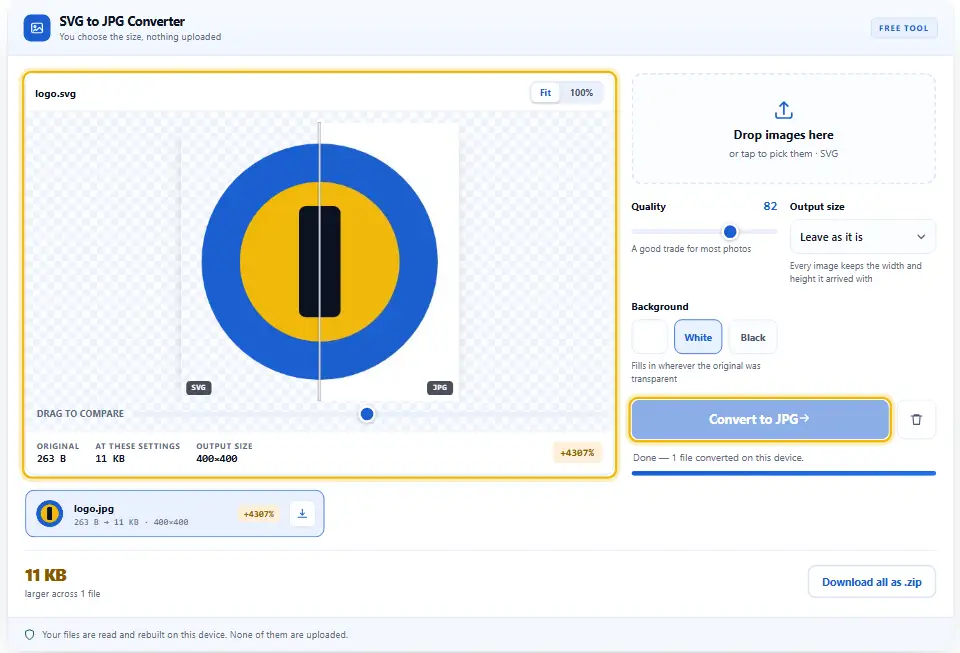
So a faint halo appears beside the line, and it is called ringing. Therefore keep the quality high on flat artwork.
When PNG Is The Better Exit
Logos, icons and diagrams all live on hard edges. PNG keeps those exact, and it holds transparency as well.
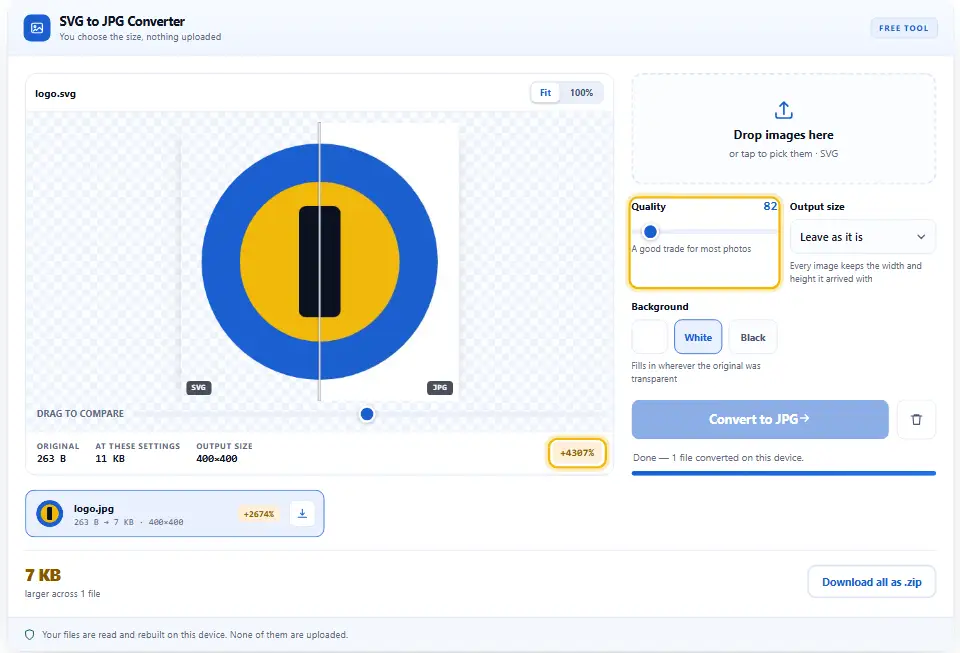
JPEG only wins where the file must be a photo file. For instance, a print portal or a form may demand one.

So ask what the other end needs first. If it accepts PNG at all, send it there instead.
Nothing Stays See-Through
JPG has no way to keep see-through areas. So the Background control decides what fills every clear pixel. Match it to the page or the paper the artwork is heading for, and the join disappears.
Turning SVG Into JPG, Step by Step
Zero installs, zero accounts, zero queues. In fact, three settings cover the whole job.
- 1
Add the SVG files
Drag them onto the panel, or tap it to browse. Up to a hundred drawings will line up at once.
- 2
Set a custom size
A vector has no pixels until you name some. So type the width the document or print job needs.
- 3
Pick the background
White suits paper, while a brand colour suits a slide. That shade fills anything the drawing left clear.
- 4
Convert and save
Press Convert to JPG and let the rows work through. Download them one at a time, or pull the lot down together.
Why Use This Page
Other tools take the artwork first and draw it later. Yet your browser renders vectors better than most of them do.
The artwork stays put
No fetch, no upload form and no storage sits here. So a brand file never lands on a stranger's disk.
Stripped back first
Anything that could execute or phone home gets removed before rendering starts. Therefore only shapes and fills reach the canvas.
You pick the background colour behind the drawing
Rival tools drop a black square behind a cut-out. Instead, the colour picker sits right in the panel.
Quality you can watch
The slider re-encodes the preview as you move it. Also, the panel prints the finished weight each time.
The full set of sizes in a single run
Queue every diagram in the deck and let it run. Then the archive is assembled here in the tab, not fetched from anywhere.
Nothing to pay, ever
No credits, no daily cap and no sign-up. Since the drawing happens on your hardware, there is no usage to bill for.
Keeping Flat Artwork Clean
JPEG and vector art are an awkward pair. Still, a few habits make the result look right.
- Keep the quality at 90 or more. Hard edges show the halo long before a photo would. So treat low numbers as a photo setting only.
- Render the SVG at twice the width you plan to show. Extra pixels give the encoder room around each line. Therefore export at twice the display width.
- Match the background exactly. A near-white fill shows as a grey box on paper. Above all, sample the real colour before you convert.
- Outline your text first. A missing font quietly swaps for another one. Instead, turn text into paths inside your editor.
- Ask the other end first. Many forms accept PNG happily these days. So use the sibling page whenever they do.
- Hold on to the SVG as your source file. An SVG logo weighs a few kilobytes and scales without blur. Rather than archive the JPEG, archive the vector.
Three Common Ways the Result Disappoints
Each of these shows up the moment somebody prints it. Each also has a quick fix.
Squeezing a logo hard
A low quality number smears every crisp line. So keep the slider high, and cap the width instead.
Forgetting the background
Clear pixels take whatever colour is set, and black is a shock. Therefore check that control before a batch.
Sending JPEG to the web
Your site can serve the SVG itself, crisply and cheaply. Instead, save this route for software that cannot.
SVG And JPG Questions
Does my file get sent anywhere?
No. This SVG to JPG converter holds no fetch, no XHR and no form post. Cleaning, drawing and encoding all happen inside the browser you are reading this in. Nothing travels past this tab.
Why do thin lines look blurred in the JPG?
JPEG blends each block from soft waves, and a hard edge does not fit that. A faint halo appears beside the line as a result. So raise the quality, and draw at a larger width.
How many pixels wide will the JPG come out?
Whatever the file names, or what its viewBox implies. When neither exists, the tool uses 512 pixels. However, the custom size box overrides that completely.
Where did my transparent background go?
There is no alpha channel in the JPEG format, so nothing can stay see-through. Every clear pixel takes the colour from the Background control. So pick that shade first, or use the PNG page instead.
Should I use PNG rather than JPG?
For logos, icons and diagrams, almost always yes. PNG keeps hard edges exact and holds transparency too. Use JPEG only where the other end insists on a photo file.
How many SVGs can one Denwix batch take?
A hundred, with twenty-five megapixels in each. Your processor draws every one of them, so those numbers are there to keep this tab responsive. Need more? Send the rest through as a second run.
Other Converters To Try
Each of these follows one routine. So none of them asks for an account, an upload or a payment.
Image Converter
One page, seven formats in and three formats out.
Open tool →SVG to PNG Converter
The sharp route, with the clear background kept.
Open tool →Image Size Finder
Check the width, height and weight before you send it.
Open tool →
Ready To Flatten That Vector?
Add the files, set a width and a colour, then convert. It takes seconds, it costs nothing, and every drawing stays here.