GIF to PNG Converter
A Cleaner Still Frame
This GIF to PNG converter lifts a still picture out of a GIF, inside your own browser, and the swap is instant. A single image comes across whole, while an animation gives up its opening frame. In both cases, your file never leaves your own device.
- FreePrice
- NoneUploads
- KeptTransparency
- Up to 100Batch
Change your GIF files into PNG on this page
Drag the files in, then run the conversion. An animated GIF gives up its opening frame, and a still one comes across whole, with its see-through pixels still see-through.
GIF to PNG Converter
Many files at once, all on your own device
No images picked yet.
The Changes a GIF to PNG Converter Makes
GIF dates from 1987, and its limits show. It dates from 1987, when a screen showed a few hundred colours at best.
PNG arrived to replace it, and it did the job well. So almost every GIF still picture belongs in PNG today.
This page makes that move without an upload. Your browser decodes the GIF, a canvas redraws it, and a PNG comes out.
GIF is a 1987 format still doing 2026 work. MDN's guide to image file types shows what replaced it and why.
The 256-Colour Ceiling
A GIF carries a list of colours, and 256 is the limit. Every pixel points at a slot in that little list.

PNG has no such list. It writes red, green and blue for each pixel, so nearly seventeen million shades are on offer.
The GIF you start with cannot gain colours it never held. However, the PNG stops the picture from losing any more.
Why GIF Cut-Outs Look Jagged
GIF transparency is a simple yes or no. One slot in the palette means see-through, and the rest are solid.
So a curved edge turns into a staircase, with no soft pixels between. That is why an old logo looks rough on a coloured page.
PNG stores 256 levels of transparency instead. Therefore new artwork keeps a smooth edge, though the old jagged one stays as it is.
Where the Animation Goes
A PNG holds one still picture and nothing more. So an animated GIF hands over its opening frame, and the rest stops there. Keep the GIF as well whenever the movement is the whole point.
Turning GIF Into PNG, Step by Step
The GIF converter needs no installer or sign-up. In fact, three taps finish the lot.
- 1
Drag your GIFs onto the Denwix panel
Drag them onto the panel, or tap it to browse. Up to a hundred will wait their turn in the list.
- 2
Look at the frame
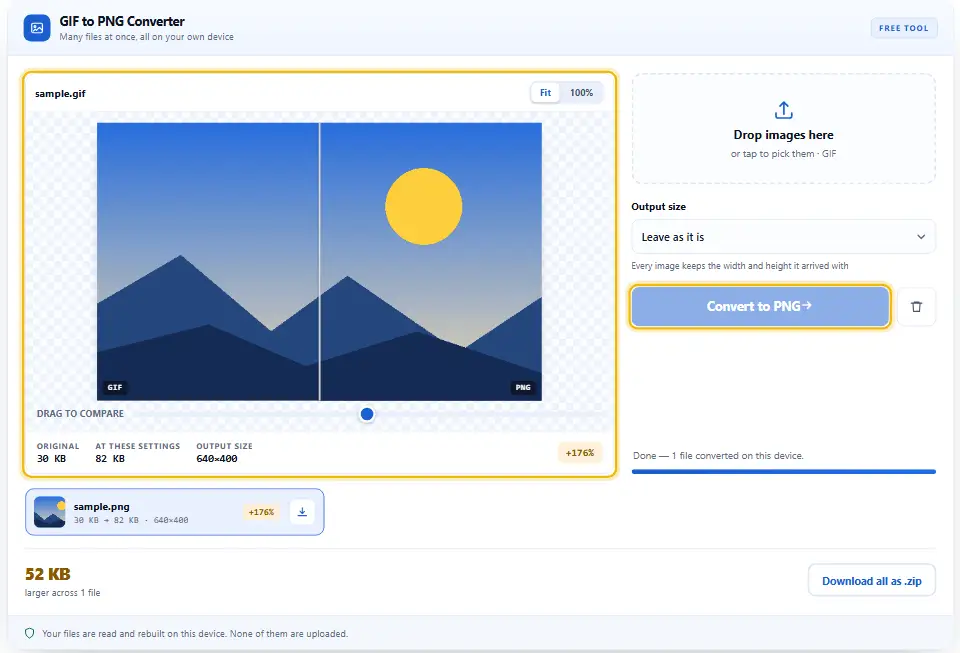
The preview shows exactly what the PNG will hold. If the GIF moved, you are looking at frame one.
- 3
Shrink it, if you want
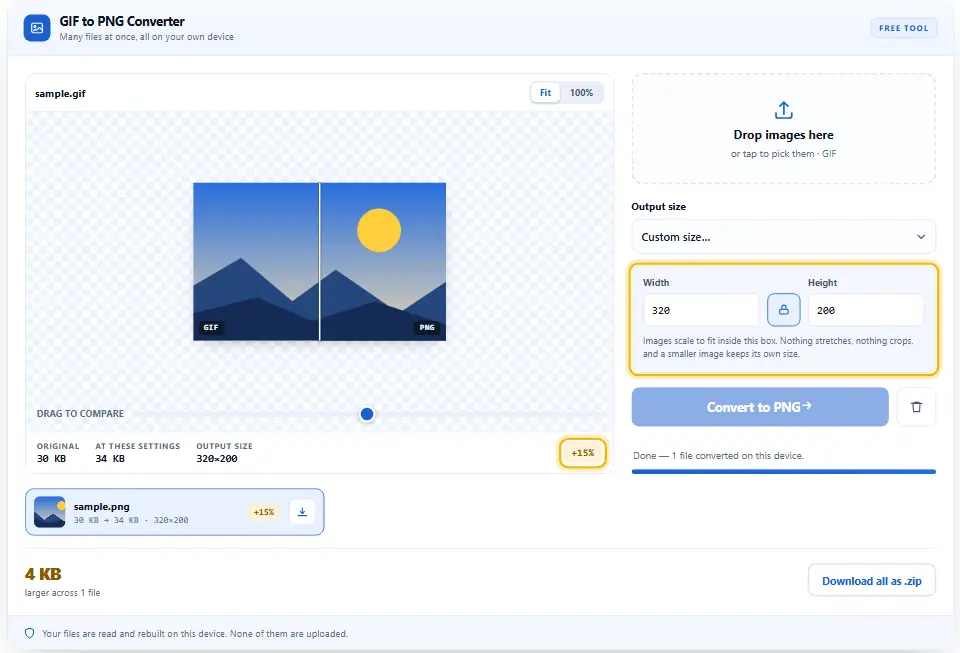
Name a ceiling for the width, or give exact measurements. Proportions hold, so no picture comes out squashed.
- 4
Convert and save
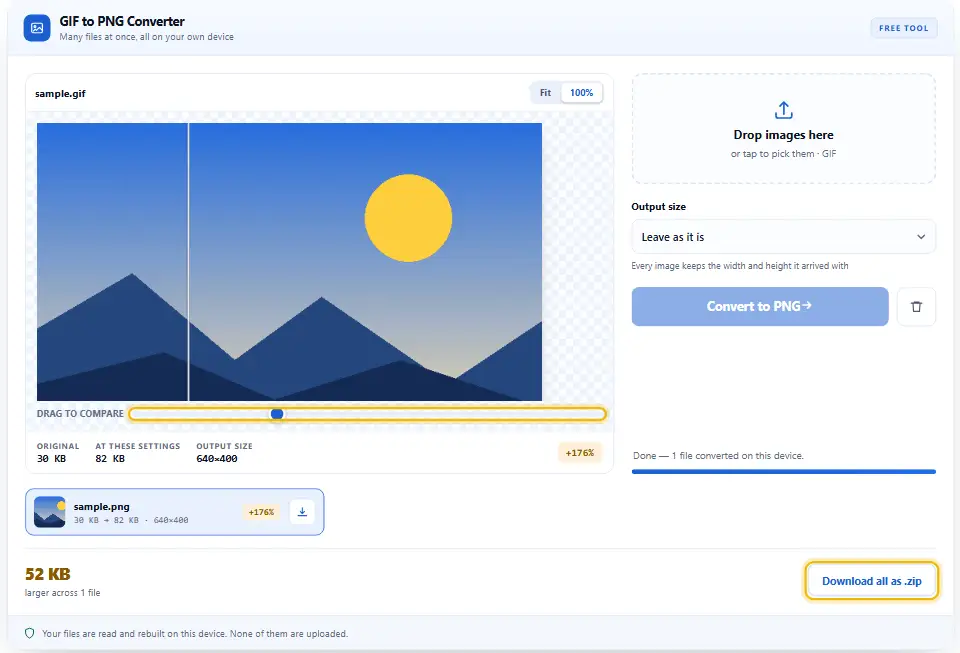
Press Convert to PNG and let the rows finish. Then save them one by one, or take a zip.
What You Gain From Leaving GIF Behind
A GIF still opens everywhere, so why move at all? Because almost everything about PNG is better, apart from the animation.
Nothing is uploaded
This page holds no fetch, no form post and no storage. So an old company logo never leaves your machine.
Usually lighter, though not always
PNG squeezes flat artwork more cleverly than GIF does. Therefore a simple icon often lands lighter than it started.
Room to edit
Once the palette is gone, you can paint any colour you like. So touching up a logo stops being a fight.
Softer edges from here
PNG holds partial transparency, while GIF never could. Because of that, anything you draw next can blend properly.
Batches, not files
Queue a folder of old buttons and icons together. Then the archive gets assembled here in the tab, not fetched from anywhere.
No ceiling, no charge
Nobody asks you to register, buy credits or wait out a daily quota. Since your device does the processing, Denwix has nothing to charge for.
Getting The Best Out Of An Old GIF
These files are often twenty years old. Still, a few choices get real use out of them again.
- Look for a banding pattern. Old GIFs fake missing shades with speckled dots. So zoom in once, because those dots come across as they are.
- Do not upscale to fix the edge. A jagged cut-out only gets bigger and blockier. Instead, redraw the shape if the logo really matters.
- Keep the GIF if it moves. Only the first frame survives the swap. Therefore hold on to the original whenever the motion carries the meaning.
- Resize during the swap. One clean pass beats two rough ones. So set the width here rather than dragging a corner later.
- Watch for a bigger photo file. A photo saved as GIF turns heavy as a PNG. Rather than keep it, send photographs to the JPG page instead.
- Check the amber rows. Now and then the PNG comes out larger. Above all, trust the printed byte count over any promise.
Three Common Slips
These three waste an afternoon. Every one gets a brief reply below.
Hoping for smoother edges
PNG can hold soft pixels, yet the GIF never stored any. Instead of converting twice, redraw the artwork properly.
Converting an animation for the web
One frame is all you get, and the motion stops. Therefore keep the GIF, or export a short video file.
Handing files to an unknown upload site
Plenty of them keep every file that lands. So old client artwork sits on somebody else's disk for nothing.
GIF And PNG Questions
Does the Denwix converter send my GIF to a server?
No. Look through the source and you will find nothing that talks to a server. Your browser decodes the GIF, a canvas redraws it, and your browser writes the PNG. Shut the tab afterwards and none of it lingers.
Will my GIF animation survive the change to PNG?
Not as a PNG, because the format holds one still picture. Only the opening frame comes through here. So keep the GIF alongside it if the movement matters.
Will the PNG look sharper than my GIF?
It will look the same, pixel for pixel. Whatever the decoder handed over is what PNG stores. However, it does stop any further colour loss from that point on.
Will the see-through parts of my image stay see-through?
Yes, though it keeps its hard edge. GIF marks a pixel as see-through or solid, with nothing in between. Therefore the staircase edge comes across exactly as it was.
Will the PNG weigh less than the original GIF?
Usually, for flat artwork and simple icons. PNG squeezes long runs of one colour very well. Yet a photograph stored as a GIF can grow instead, and the row says so.
How many GIFs can go through at once?
Up to a hundred, none larger than twenty-five megapixels. Since the work happens on your processor rather than in a queue, those limits are there to keep this tab responsive. Split anything larger across two runs.
Further Denwix Tools to Explore
All of them share the same simple routine. So none of them asks for an account, an upload or a payment.
One page, seven formats in and three formats out.
Open tool →Shrink the result again, once the palette has gone.
Open tool →Turn that old icon into a favicon for your site.
Open tool →
Ready to Move That GIF to PNG?
Queue the files, press convert, then save what comes out. It takes seconds, it costs nothing, and every picture stays on your own device.