Website Crawler Tools: The Denwix SEO Crawler Guide
Every feature of the Denwix SEO Crawler in short videos: first crawl, search, Issues, visualisations, exports, sitemaps, AI keys and white-label reports.
Cookies This site keeps only what it needs to work. There is no analytics and no advertising on it today, and nothing here follows you to other sites. Read the privacy policy
Practical guides from the Denwix team on HTML, content and technical SEO. Each one explains a check our free tools run, then shows how to fix it by hand.
Website Crawler Tools: The Denwix SEO Crawler Guide
Every feature of the Denwix SEO Crawler in short videos: first crawl, search, Issues, visualisations, exports, sitemaps, AI keys and white-label reports.

How to Crawl a Website Without Getting Blocked
Fix 403 errors, the 1,000-URL stop, missing JavaScript pages, one-page crawls and install warnings in the Denwix SEO Crawler, with a short video for each.

DNS Propagation: Why Some Visitors Still See the Old Site
What DNS propagation really is, how TTL decides the wait, and how to make your next DNS change land in minutes.
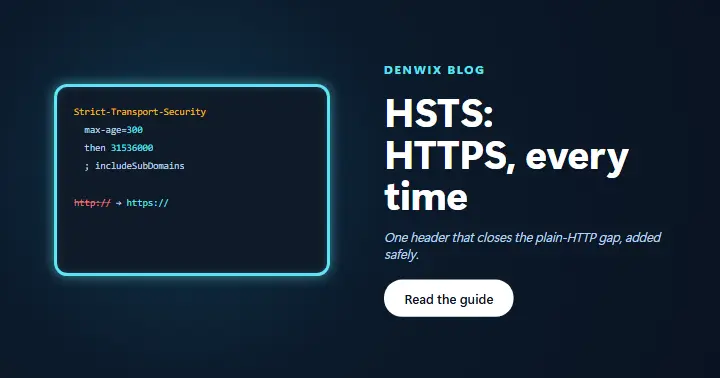
HSTS: How to Add Strict-Transport-Security Safely
What HSTS protects, the one line to add in htaccess, and how to raise max-age step by step without locking visitors out.
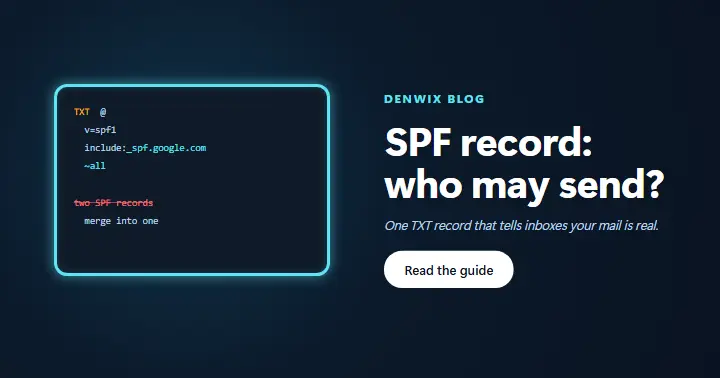
SPF Record: How to Stop Your Emails Landing in Spam
What an SPF record says, how to build and add one in DNS, and how to merge services without breaking it.

DMARC Record: How to Add One the Right Way
What a DMARC record does, where it must go in DNS, and how to move from p=none to p=reject safely.

Camera Not Working in the Browser? Fix It Step by Step
Why the camera stays black on a website, and how to fix site permissions, system privacy settings and apps that hold the camera.

Microphone Not Working in the Browser? Fix It Step by Step
Why a website cannot hear you, and how to fix site permissions, system privacy settings and the wrong input device.
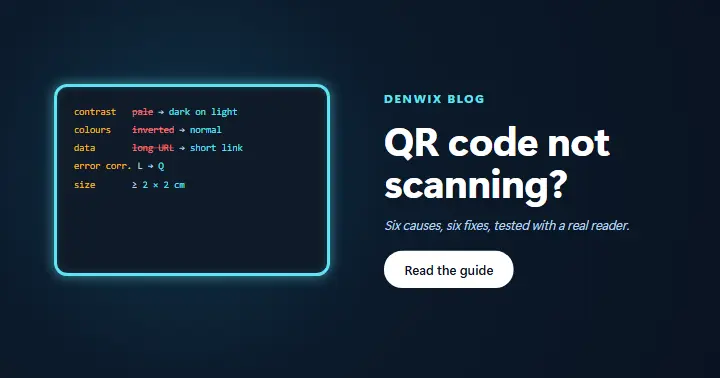
QR Code Not Scanning? 6 Causes and How to Fix Them
Low contrast, inverted colours, too much data, damage, size and the quiet zone: why a QR code fails and how to make one that always scans.

Content Security Policy: Add a CSP Without Breaking Your Site
Start strict, read the console, allow only what you use, and test with Report-Only first. With ready examples for fonts and inline scripts.

Security Headers: Add the Five Safe Ones in Minutes
What HSTS, nosniff, X-Frame-Options, Referrer-Policy and Permissions-Policy do, the exact lines for Apache and Nginx, and how to check them.

Blocked by robots.txt: Clearing the Search Console Warning Step by Step
Why Google says your pages are blocked by robots.txt, how to fix the file safely, and how to ask Google to crawl again.

SSL Certificate Expired? Clear the 3 Errors Behind Most Warnings
Renew an expired certificate, send the full chain and cover every name you use, so the padlock comes back for every visitor.

How to Make a QR Code From a Link (Free, No Sign-Up)
Paste a URL, pick your colours, download a PNG or SVG and test it with a phone: the full guide to turning any link into a QR code that scans.

Redirect Chain: How to Fix ERR_TOO_MANY_REDIRECTS
Why redirect loops happen, how they hurt your SEO and speed, and how to fix them in your server rules.
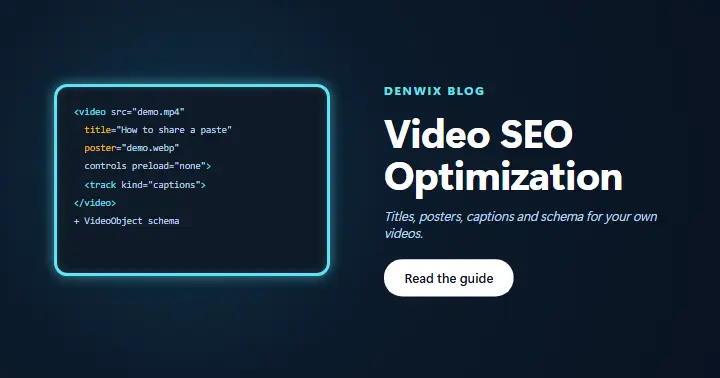
Video SEO Optimization: Name, Mark Up and Speed Up Your Videos
Titles, posters, captions, VideoObject schema and sitemaps for videos on your own site. Plus how to fix a player with no title.

Subdomain SEO: Subdomain vs Subdirectory, in Plain Words
How Google treats a subdomain, when a subfolder wins, and how to move a blog from a subdomain into a folder safely.

Lorem Ipsum Meaning: What It Says and Why It Must Go
Where lorem ipsum comes from and what the Latin really says. Plus how to find placeholder text before it goes live.

HTML Bold: The b Tag, the strong Tag and CSS
When to use b, strong or font-weight, and what bold does for SEO. Plus how to fix a page where nearly everything is bold.
Each of our guides starts from a check that our free tools run. Two examples are the SEO Checker and the Unused CSS Finder. First, a guide explains what the check looks for and why it matters. Then it shows the fix step by step, with real code you can copy.
We keep the guides short and plain, so they are easy to read on a phone. All of these guides also have a video walk-through in seven languages. So you can watch the fix first, and then read the details when you need them.
Our guides are for site owners, marketers and developers alike. So we skip jargon where we can. Where we cannot, we explain it in plain words. We also test every code sample on a real page first.
Most guides also link to the free tool that finds the problem. So you can test your own page as you read. For example, the bold guide pairs with the SEO Checker. Likewise, the placeholder guide pairs with the Lorem Ipsum Generator. That way, you see the result of each fix right away.
New guides follow the same rule: one problem, one clear fix. Does a check on your page have no guide yet? If a topic is missing, tell us through the contact page and we will add it to our writing list.
There is no set order, so start with whichever guide you like. However, if you are just getting started, begin with the guides on HTML. They explain the basics the other guides build on. New guides arrive often, on topics such as images, page speed and structured data. So check this page of guides now and then.